Faster workflow
Keep the key actions together: vehicle selection, file upload, available mods and download.
 Get the app ↗
MK TUNING PERFORMANCE / WINDOWS APPLICATION
Your vehicle. Your ECU. Your workspace.
A focused tuning workflow, from original file
to finished download.
✓ Dedicated Windows application / Watch the real workflow below
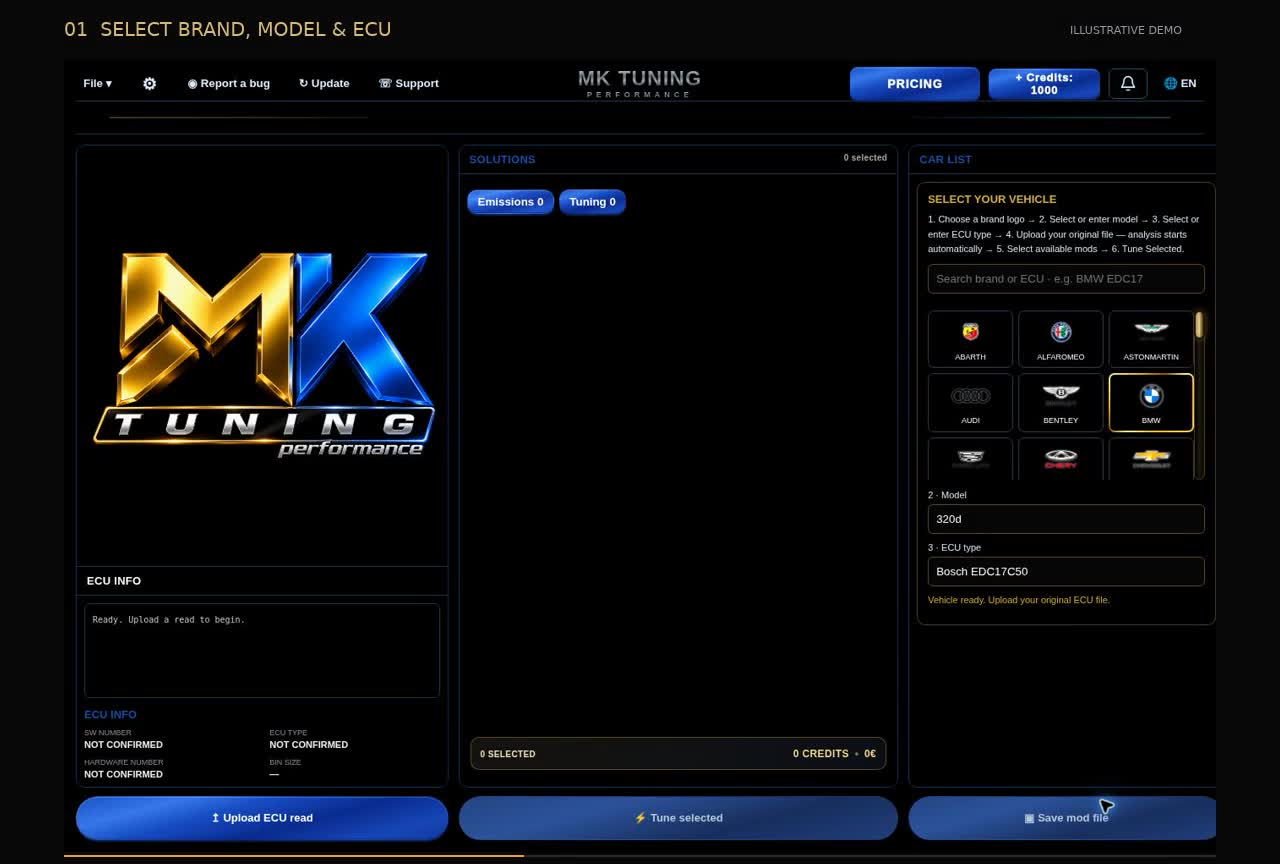
THE OFFICIAL WALKTHROUGH
36 seconds inside the MK Windows application.
From sign-in to your finished download.
YOUR WORKSPACE, UP CLOSE
Every screen shown here comes from our existing MK Windows app walkthrough. Explore the login, vehicle selection, available mods and completed download.
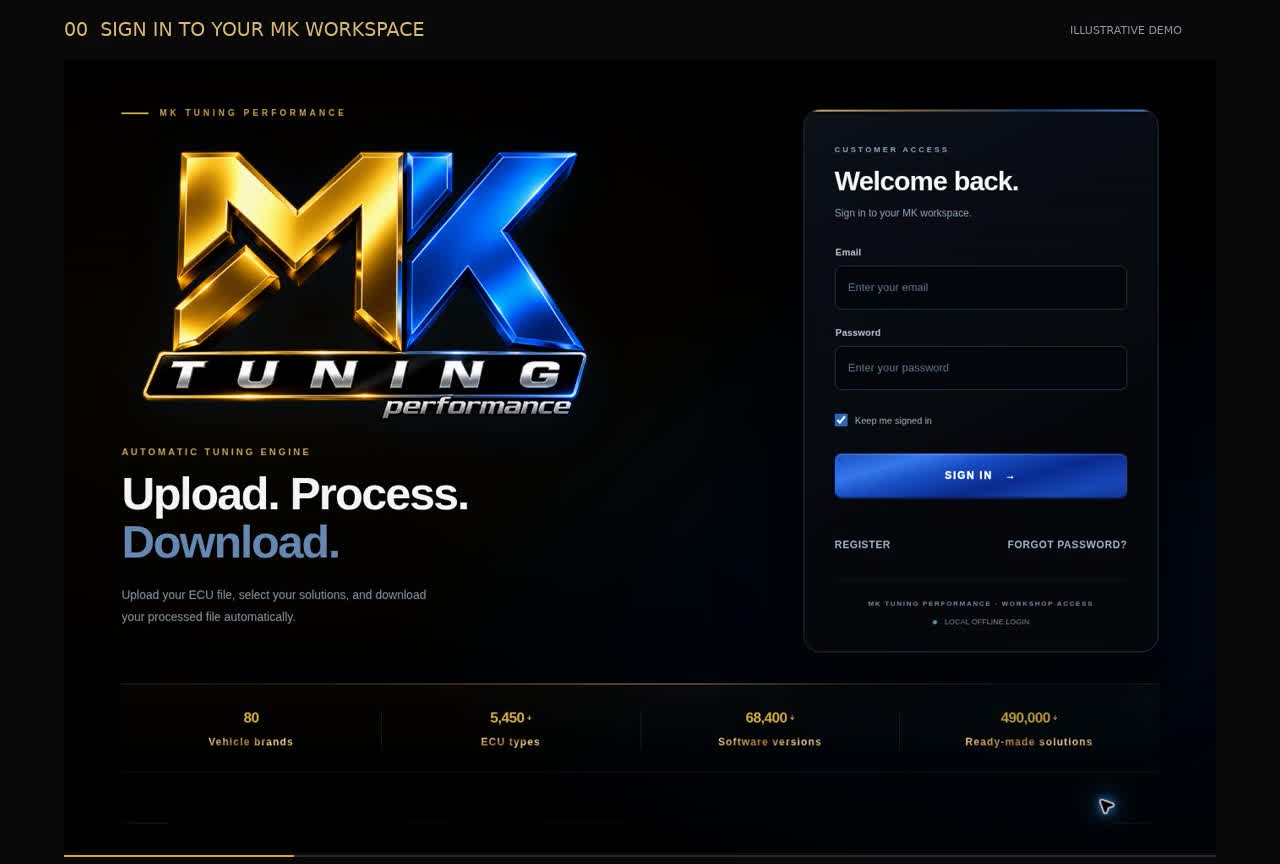
Sign in or register to access your dedicated Windows workspace.
FROM START TO FINISH
A clear path through every job.
Choose your vehicle, upload your original
ECU file and follow the results.
Choose a brand logo, then select or enter the model and ECU type. Your upload becomes available.
Add your original ECU file. The app checks the file and shows the mods available for that job.
Review the available options and credit cost. Select the modifications you want before tuning.
Choose Tune Selected, follow progress to 100%, then download your processed file.
WHY MK MADE THIS APP
Our own Windows workspace, designed to make every step clearer — from first login to the final file.
Keep the key actions together: vehicle selection, file upload, available mods and download.
A focused interface that helps you navigate your tuning job from start to finish.
Choose the vehicle information, upload your file and let analysis start automatically.
Explore supported emission and performance options with easy-to-read selections.
Review the credits needed for your selected options before proceeding.
Built around the way MK Tuning Performance communicates with its customers.
EXPLORE THE POSSIBILITIES
One simple place to review the available ECU solutions for your selected file.
AVAILABLE MODS DEPEND ON ECU & FILE COVERAGEMORE THAN A DOWNLOAD
MK Tuning Performance created its own Windows application to bring customers a smoother workflow, easier access to their tuning jobs, and a more connected service experience.
MK TUNING PERFORMANCE — PRECISION IN EVERY STEP.YOUR NEXT JOB STARTS HERE
The dedicated MK Tuning Performance application for Windows.
Discover a smoother way to manage your tuning workflow.
Windows installer · .exe
COMING SOON · Join the launch notification list.
Sign up in the launch announcement window.
GOOD TO KNOW
This page introduces the application. The customer workflow runs in the MK Tuning Windows desktop app.
No. Choose your brand, model and ECU type, then upload your original file. Analysis starts automatically.
No. Available modifications depend on the uploaded file and ECU coverage. The video uses sample results to demonstrate the workflow.
After installing the Windows app, sign in from its login page.
MK TUNING PERFORMANCE / EARLY ACCESS
The MK Tuning Performance Windows app is getting ready for launch. Leave your email and we'll notify you when the official installer is available to download.
We'll contact you when the official Windows app download is ready.